Kennisbank
Contour gesneden stickers: zo werkt snijden op vorm
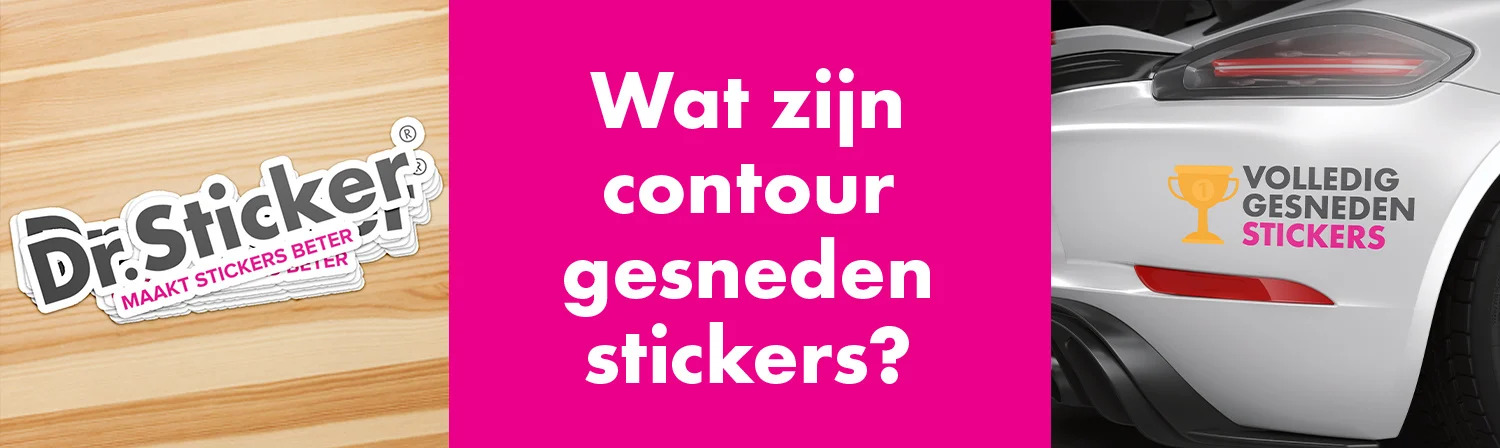
Contour gesneden stickers volgen de vorm van je ontwerp. Dat kan een eenvoudige buitencontour zijn, maar ook een uitgesneden vorm, sticker op vel of toepassing met aanbrengfolie.
Kort antwoord
Een contour gesneden sticker wordt langs een opgegeven snijlijn gesneden. Die snijlijn bepaalt de uiteindelijke vorm. Voor een strak resultaat moet de contour logisch, gesloten en technisch goed aangeleverd zijn.
VormVolg je ontwerp
Logo's, pictogrammen en vrije vormen komen sterker over wanneer de sticker op contour wordt gesneden.
SnijlijnTechnisch belangrijk
Een goede snijlijn is gesloten, netjes opgebouwd en staat los van de print.
AfwerkingVel, los of met tape
Afhankelijk van toepassing kan een sticker op vel, los gesneden of met applicatietape worden geleverd.
BetekenisWat betekent contour gesneden?
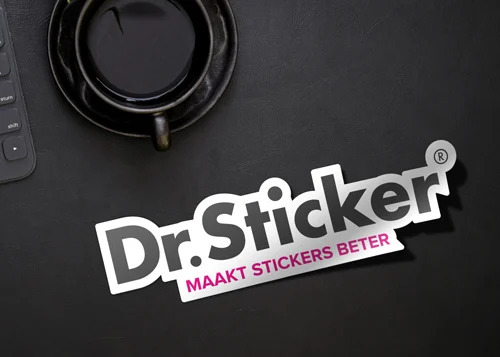
Contour gesneden betekent dat de sticker niet standaard rond, vierkant of rechthoekig hoeft te zijn, maar de vorm van het ontwerp volgt. Dit is ideaal voor logo's, iconen, mascottes, labels, raamstickers en promotiestickers.
- Geschikt voor logo's, iconen en speciale vormen.
- Mogelijk als sticker op vel of los uitgesneden.
- De snijlijn bepaalt de uiteindelijke vorm.
SnijtechniekVan stickervel tot uitgesneden letters
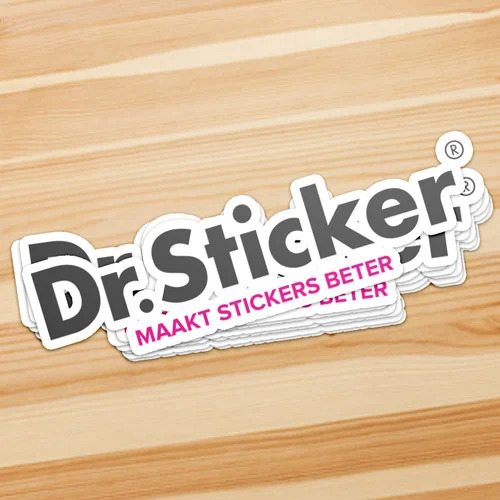
Contour snijden kan subtiel zijn, zoals een sticker op vorm, of technisch uitgebreider, zoals losse letters met applicatietape. Kies de afwerking op basis van hoe de sticker wordt aangebracht en verdeeld.
- Kiss cut: sticker gesneden, backing blijft heel.
- Die cut: sticker en backing in vorm gesneden.
- Applicatietape helpt bij losse letters en vormen.
AanleveringTips voor snijlijnen in je bestand
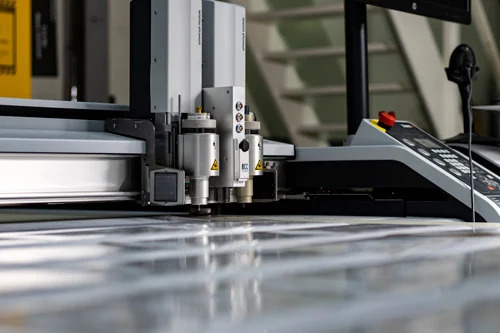
Maak een aparte snijlijn in je bestand, bij voorkeur als vectorlijn. Vermijd te kleine details, scherpe binnenhoeken en te dunne losse elementen. Laat complexe vormen controleren wanneer je twijfelt.
- Gebruik een gesloten vectorcontour.
- Houd voldoende afstand tussen print en snijlijn.
- Plaats de snijlijn duidelijk als aparte kleur of laag.
- Lever tekst en logo's bij voorkeur vectorieel aan.
 Veelgestelde vragen
FAQ
Wat zijn contour gesneden stickers?
Dit zijn stickers die langs de vorm van je ontwerp worden gesneden in plaats van alleen rond, vierkant of rechthoekig.
Wat is een snijlijn?
Een snijlijn is een vectorlijn die aangeeft waar de sticker gesneden moet worden.
Kan elke vorm contour gesneden worden?
Veel vormen kunnen, maar extreem kleine details, scherpe hoeken en dunne losse delen kunnen problemen geven.
Wat is het verschil tussen kiss cut en die cut?
Bij kiss cut wordt alleen de sticker gesneden. Bij die cut wordt ook het schutvel in vorm gesneden.
Heb ik applicatietape nodig?
Bij losse letters of meerdere losse elementen kan applicatietape helpen om alles op positie aan te brengen.
Kan Dr.Sticker mijn snijlijn maken?
Ja. Via de ontwerpservice kunnen we bestanden controleren, aanpassen of snijlijnen opzetten.
Handige vervolgstappen
Wil je stickers in een eigen vorm?
Bestel online wanneer je bestand klaar is, of laat snijlijnen en contouren controleren door onze studio.